
How to Use VoucherPay
Dine like normal, Earn unlimited rewards
Sign Up for Tokyo2U
Click the button below or scan the QR code to create your Tokyo2U account.

Visit a Partner Restaurant
Visit one of our participating partner restaurants and enjoy your meal as usual.

Open VoucherPay
When it’s time to pay, open Tokyo2U and select VoucherPay — the 3rd button on the bottom navigation bar.

Find Your Restaurant
Scroll through VoucherPay and select the voucher for the restaurant you are dining at.
Buy the Voucher
Select the voucher value you need and complete your payment.
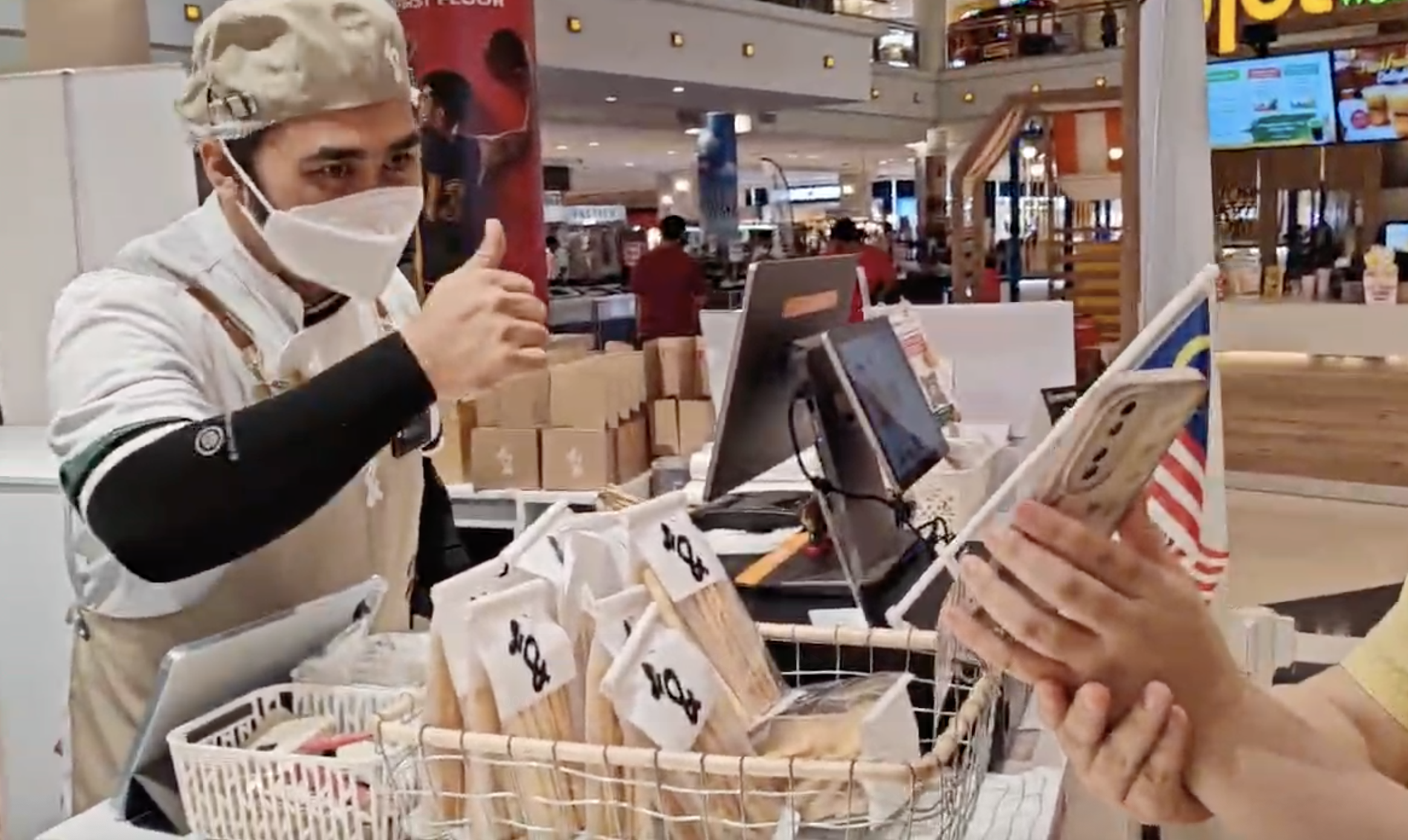
Show the QR Code to the Cashier
After purchasing the voucher, show the generated QR code to the cashier to use it for payment.
Earn Gift Coins & Redeem Rewards
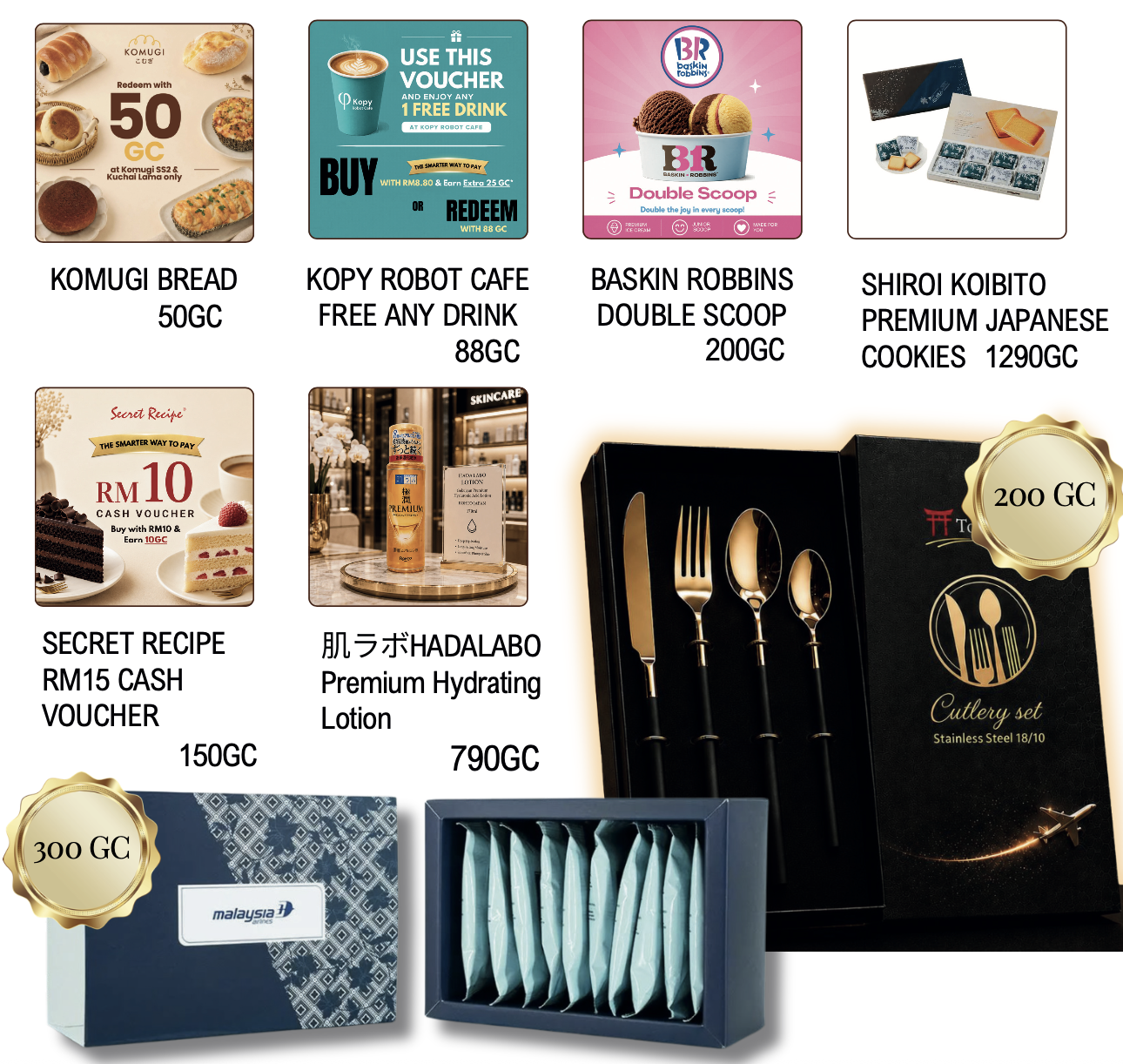
You’ll receive Gift Coins (GC) from your VoucherPay purchase. Select Use GC — the 4th button on the bottom navigation — to explore and redeem your rewards.

Popular Redemption Options
RM1 = 1 GC, Spend RM200 accumulatively and redeem Baskin Robbins Double Scoop Ice Cream!